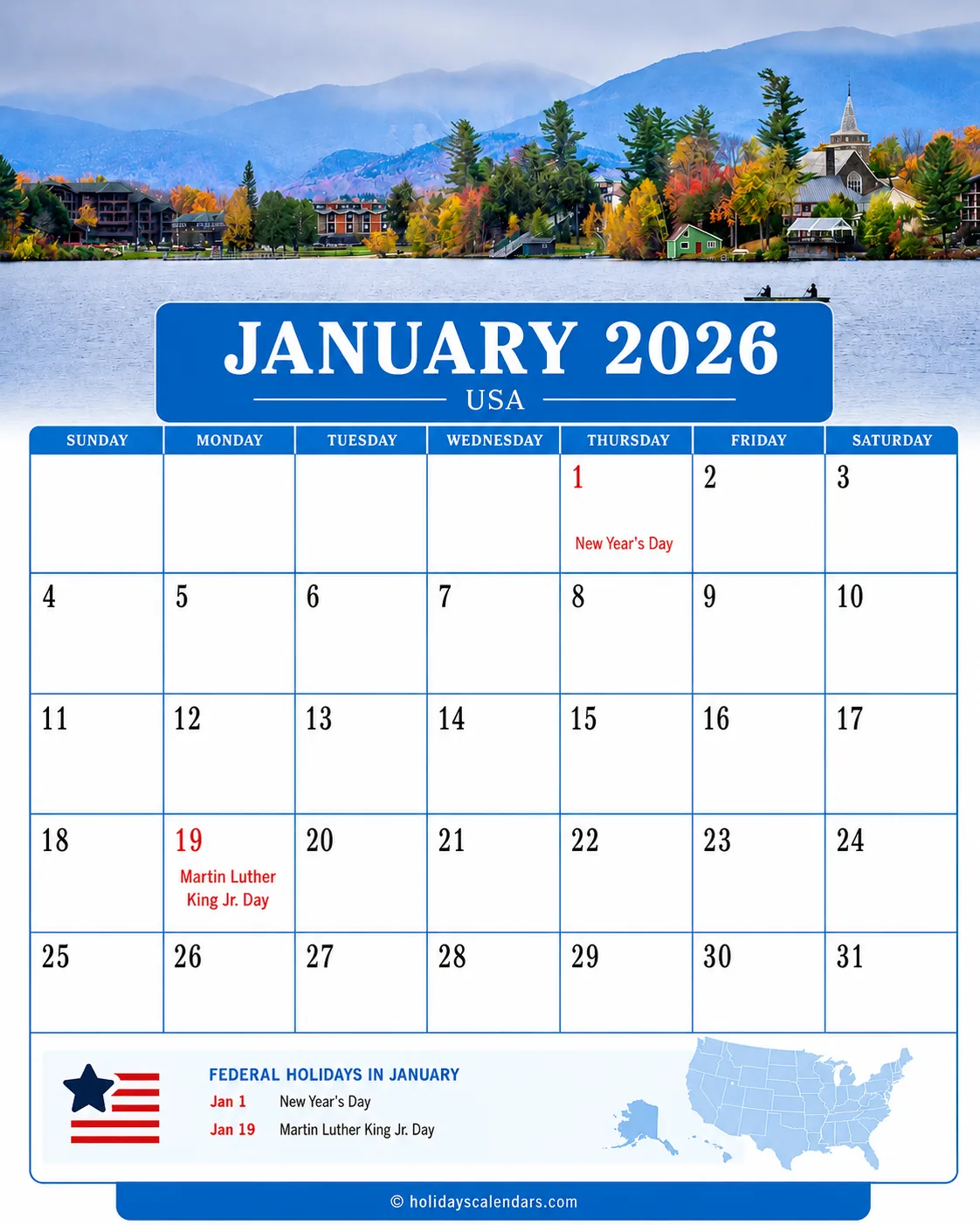
Use the single-date ICS file to add Martin Luther King Jr. Day 2026 as one all-day event on Monday, January 19. The file works with Google Calendar, Apple Calendar, Outlook, and other calendar apps that support ICS imports.
- Event
- Martin Luther King Jr. Day 2026
- Date included
- Monday, January 19, 2026
- Event type
- Single all-day U.S. federal holiday
- File scope
- One holiday only
- Supported apps
- Google Calendar, Apple Calendar, Outlook, and ICS apps
What's included: The file contains Martin Luther King Jr. Day 2026 only. It does not add the complete U.S. federal holiday calendar, bank hours, USPS service exceptions, school closures, local events, or MLK Day service projects.
How to Import the MLK Day 2026 ICS File
- Google Calendar: download the file, open Settings, choose Import & export, select the ICS file, and choose the destination calendar.
- Apple Calendar: open the file on a Mac and choose the destination calendar. On iPhone or iPad, open it from Mail, Files, or the browser and follow the prompt.
- Outlook: open the ICS file and save the event, or use Outlook's calendar import option.
Calendar Import Checks
- Confirm the date. The event should appear on January 19, 2026.
- Confirm the format. It should remain an all-day event, not a timed appointment.
- Avoid duplicates. Importing the same file twice can create two entries.
- Keep operating details separate. Bank hours, mail service, school closures, and employer policies can change independently.